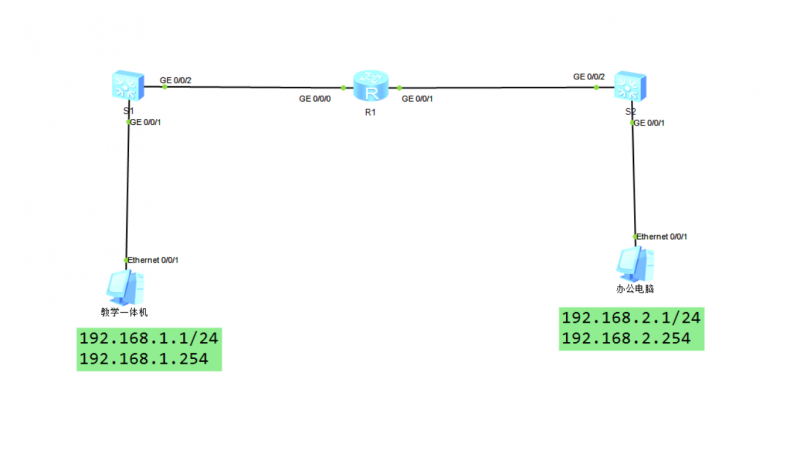


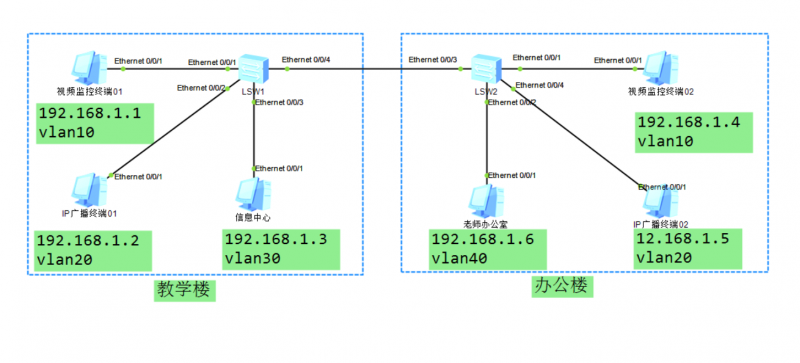
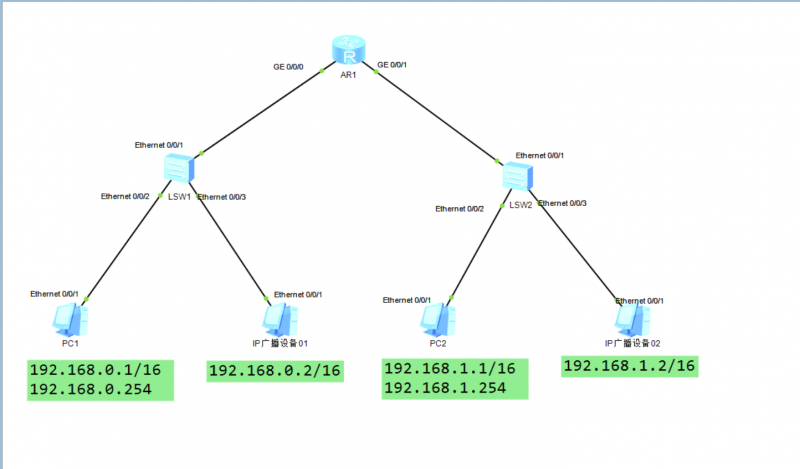
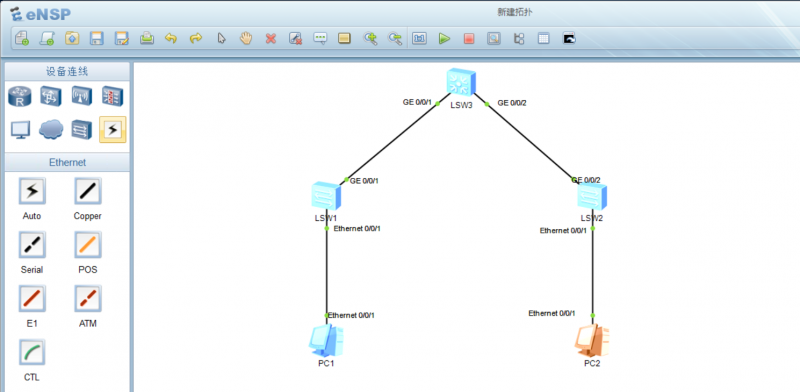
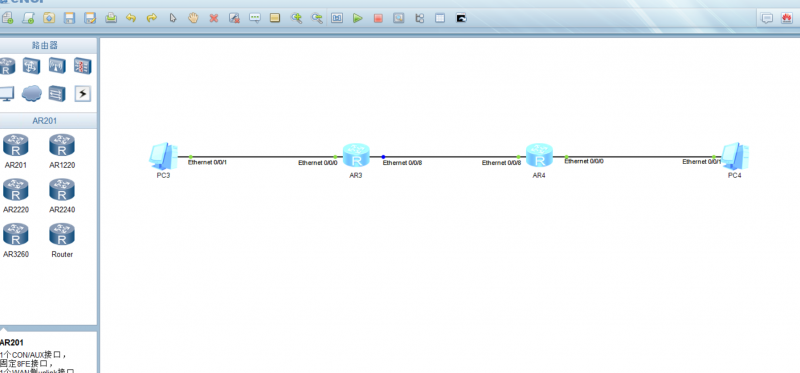
本实验模拟校园网络场景,某学校组建了一个简单的校园局域网。交换机S1连接了各班级教学一体机,交换机S2连接了办公电脑,路由器R1连接了两台交换机(S1、S2)实验拓扑如下:
![图片[1]-1.3 熟悉常用的IP相关命令-青原智库](https://www.tibetnetgeek.top/wp-content/uploads/2025/01/image-20250117230131957-1024x594.png)
| 设备 | 接口 | IP地址 | 子网掩码 | 默认网关 |
|---|---|---|---|---|
| 教学一体机 | Ethernet0/0/1 | 192.168.1.1 | 255.255.255.0 | 192.168.1.254 |
| 办公电脑 | Ethernet0/0/1 | 192.168.2.1 | 255.255.255.0 | 192.168.2.254 |
| 路由器R1 | GE0/00 | 192.168.1.254 | 255.255.255.0 | |
| GE0/01 | 192.168.2.254 | 255.255.255.0 |
1.3.1基本配置
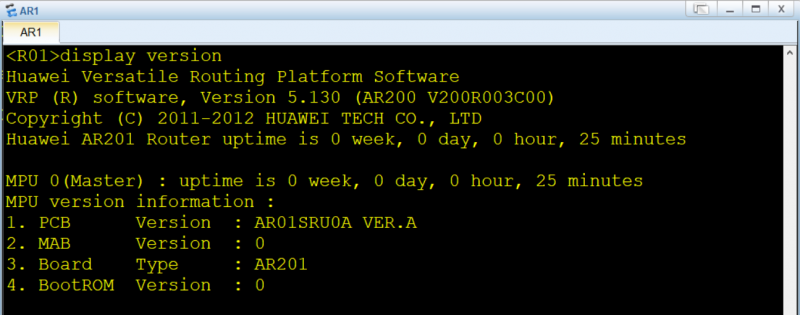
教学一体机、办公电脑等pc端地址配置如下;
![图片[2]-1.3 熟悉常用的IP相关命令-青原智库](https://www.tibetnetgeek.top/wp-content/uploads/2025/01/image-20250117221200047.png)
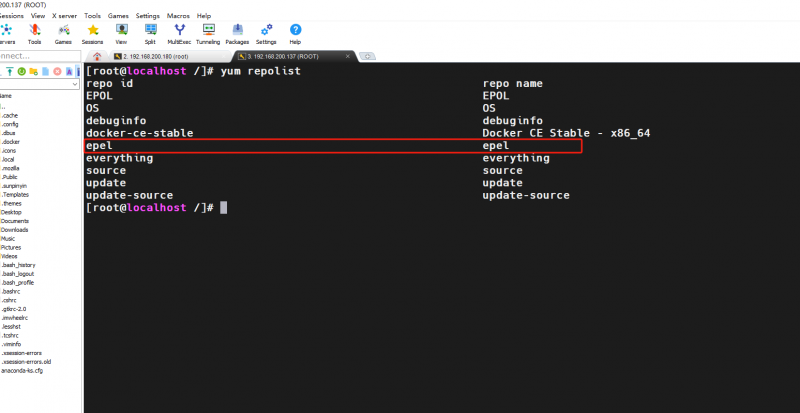
路由器R1 GE0/0/0接口配置
<Huawei>system-view
[Huawei]interface GigabitEthernet 0/0/0
[Huawei-GigabitEthernet0/0/0]ip address 192.168.1.254 255.255.255.0
路由器R1 GE0/0/1接口配置
<Huawei>system-view
[Huawei]interface GigabitEthernet 0/0/1
[Huawei-GigabitEthernet0/0/0]ip address 192.168.2.254 255.255.255.0
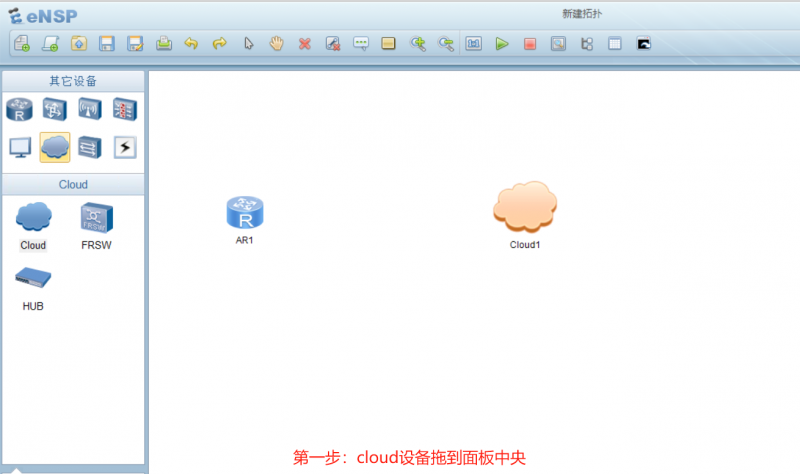
更改设备名称(交换机、路由器、光猫)
<Huawei>system-view 进入系统试图
[Huawei]sysname R1 更改设备名称R1
<R1>save 用户视图下保存配置
The current configuration will be written to the device.
Are you sure to continue? (y/n)[n]:y
<R1>
<Huawei>system-view 进入系统试图
[Huawei]sysname S1 更改设备名称S1
<S1>save 用户视图下保存配置
The current configuration will be written to the device.
Are you sure to continue?[Y/N]y
<S1>
<Huawei>system-view 进入系统试图
[Huawei]sysname S2 更改设备名称S2
<S2>save 用户视图下保存配置
The current configuration will be written to the device.
Are you sure to continue?[Y/N]y
<S2>
![图片[3]-1.3 熟悉常用的IP相关命令-青原智库](https://www.tibetnetgeek.top/wp-content/uploads/2025/01/image-20250117225817721-1024x611.png)
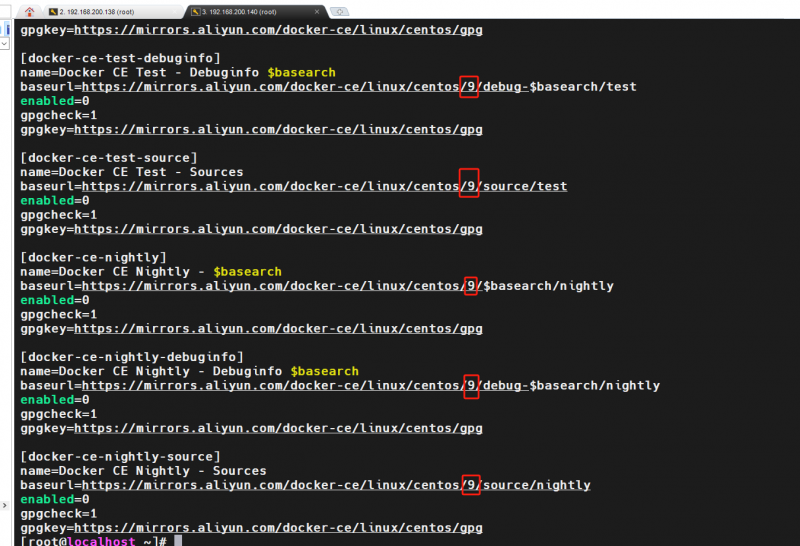
终端互通情况测试
![图片[4]-1.3 熟悉常用的IP相关命令-青原智库](https://www.tibetnetgeek.top/wp-content/uploads/2025/01/image-20250117230518017-1024x583.png)
© 版权声明
文章版权归作者所有,未经允许请勿转载。
THE END



暂无评论内容